
How to Remove PUP (Guide)

What is a PUP?
A PUP (for Potentially Unwanted Program) is a usually a program you didn’t install by yourself, or you did install by error. It often comes in bundled installers, where several additional programs are installed when you originally wanted to install only one program. This can be the case if you forgot to uncheck some options during the installation.
Several examples:
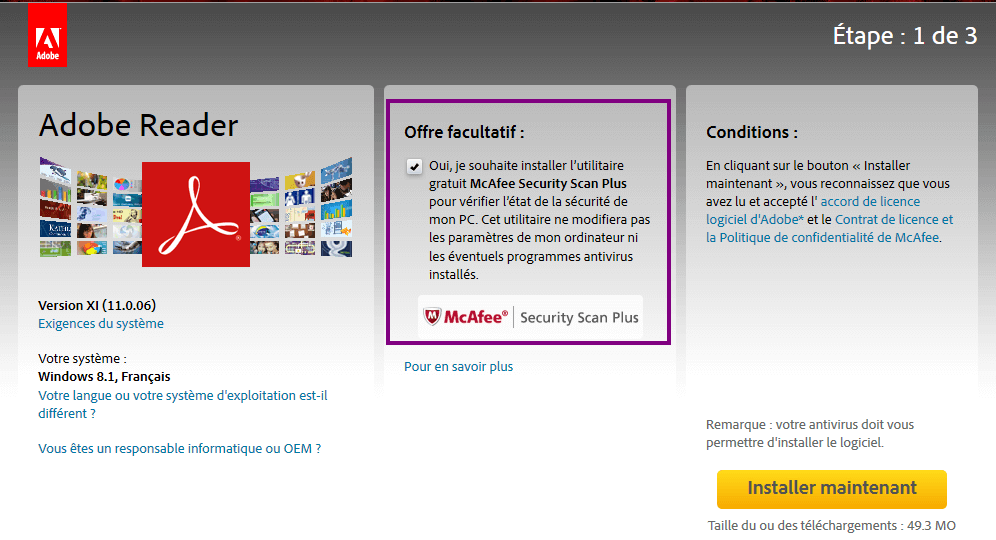 Adobe reader installing McAfee
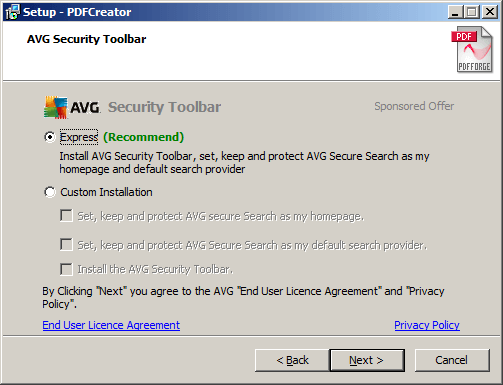 Pdfcreator installing AVG-Toolbar
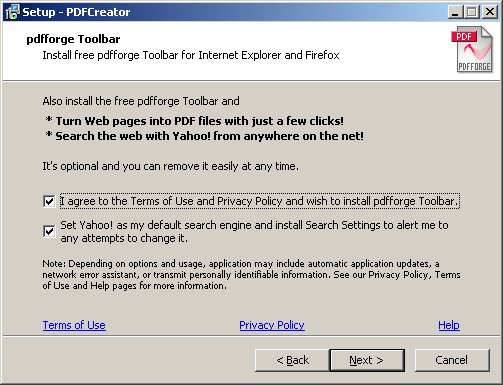 Pdfcreator installing pdfforge
RogueKiller is able to detect some of them, especially if they are well-known or if they install web-browser extensions.
Removal
Scan your computer with RogueKiller and remove detected PUP values. If they are in browser extensions, right click on each of them that are in RED (in browser tab), and remove.
2 additional scans are suggested: