
How to Remove Malware from my PC
Is your system infected? Antivirus cannot get rid of the infection? How to cleanup my Windows machine from Virus ?
This process empowers you with the ability to remove most common malware yourself.
DISCLAIMER
Although it usually does not present any risk, this process is performed under your own responsibility. It is therefore strongly advised to make a backup of your data before carrying out the latter. Adlice Software responsibility cannot be engaged for any problem resulting of the following of this processs.
Table of Contents
Step 1: RogueKiller
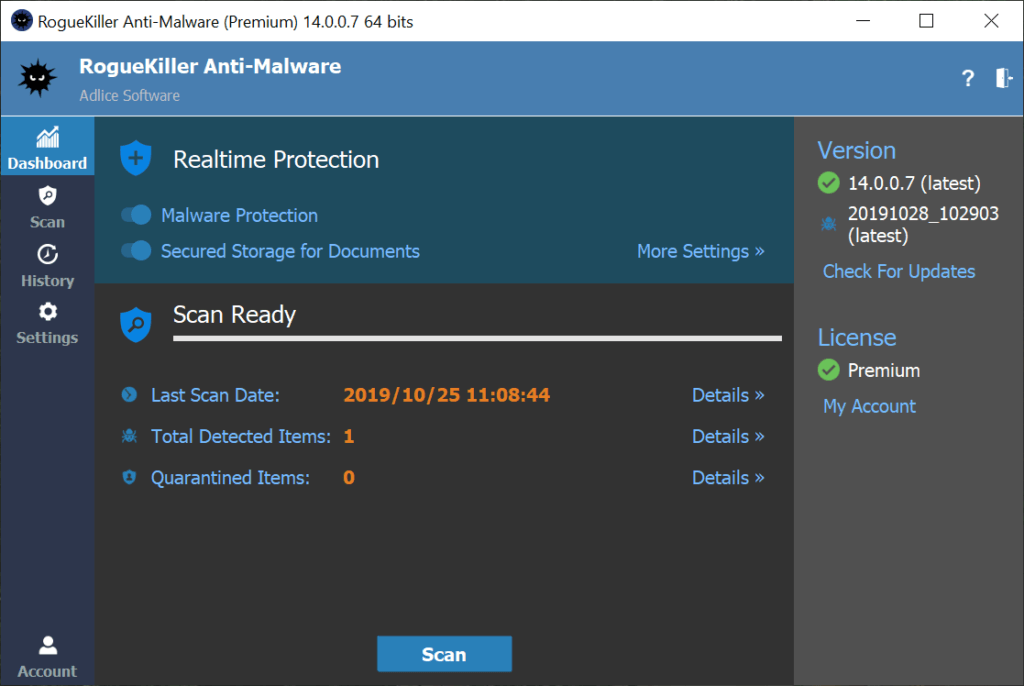
RogueKiller is an anti-malware scanner featuring advanced heuristics capabilities that are able to detect and remove a broad range of malware. It’s also able to detect potentially unwanted programs (PUP) and potentially unwanted system modifications (PUM). RogueKiller will definitely help remove malware from your pc.
- Please follow RogueKiller Documentation to complete this step of the process.
Step 2: AdwCleaner
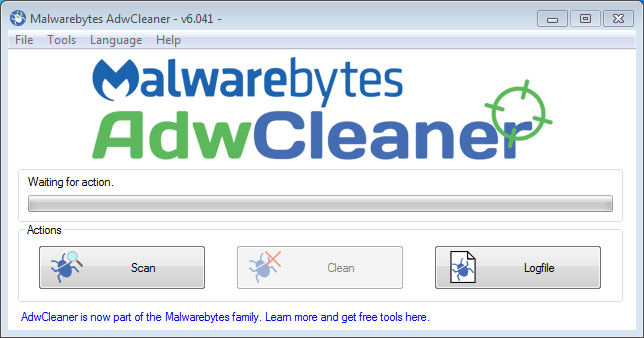
Malwarebytes AdwCleaner is a tool aimed at the removal of adware software.
- Please follow AdwCleaner Tutorial to complete this step of the process.
Step 3: Malwarebytes
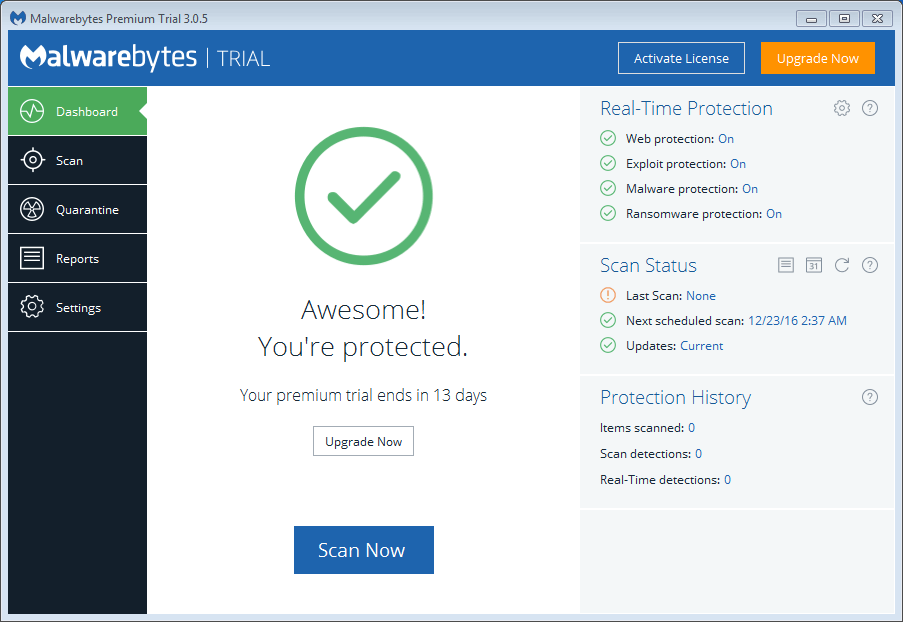
MalwareBytes 3.0 is the latest version of Malwarebytes awarded product, Malwarebytes Anti-Malware. It’s one of the best product available for free to help remove malware from your pc.
- Please follow Malwarebytes Tutorial to complete this step of the process.
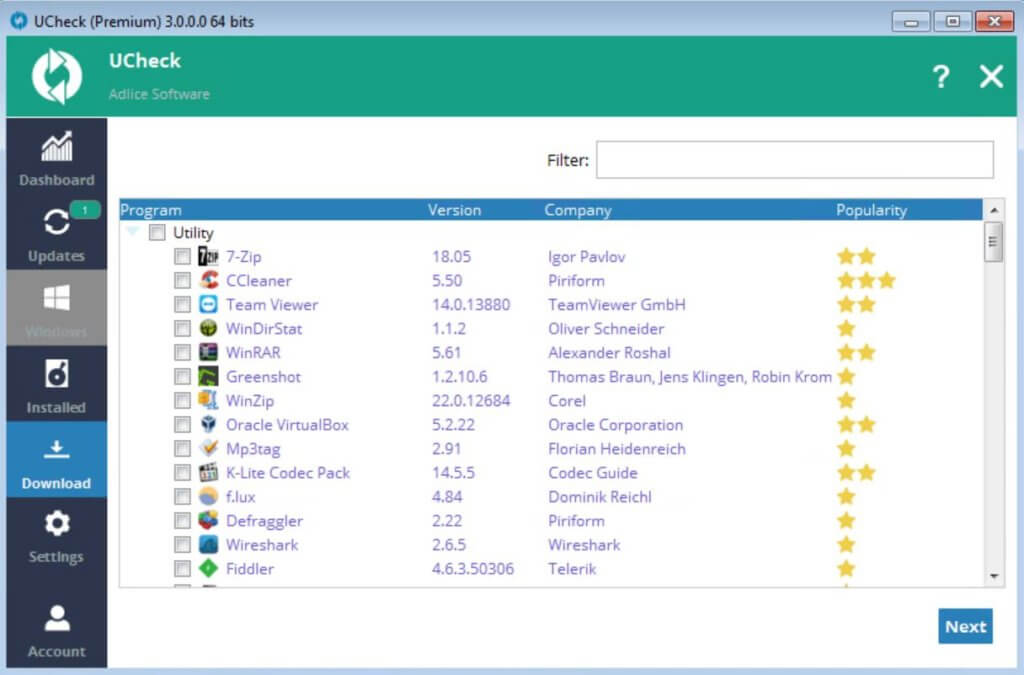
Step 4: UCheck
Outdated software usually ship vulnerabilities that are used by exploit kits to install malware. To prevent reinfection, install UCheck to update all the software on your computer to their latest version.
- Please follow UCheck Documentation to complete this step of the process.
Step 5 (Optional): Adlice Forum
This standalone guide for malware removal should be able to clean most common malware. However, if you face an uncommon or stubborn infection, it could not be sufficient.
If that’s the case, don’t hesitate to open a new thread on our forum in the Malware Removal section.